Mood boards for designers and brands
A canvas for the ideas you have not named yet.
Kindling is a free-form canvas for images, colours and notes. Drop things on, move them until they make sense, and keep a board for every project and client.
- #1E3A5F
- #7C93A8
- #C6A882
- #E8DCC8
- #2A2A2E
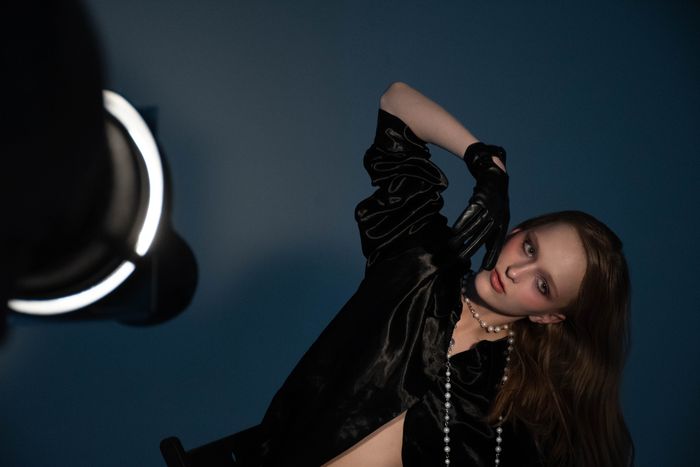
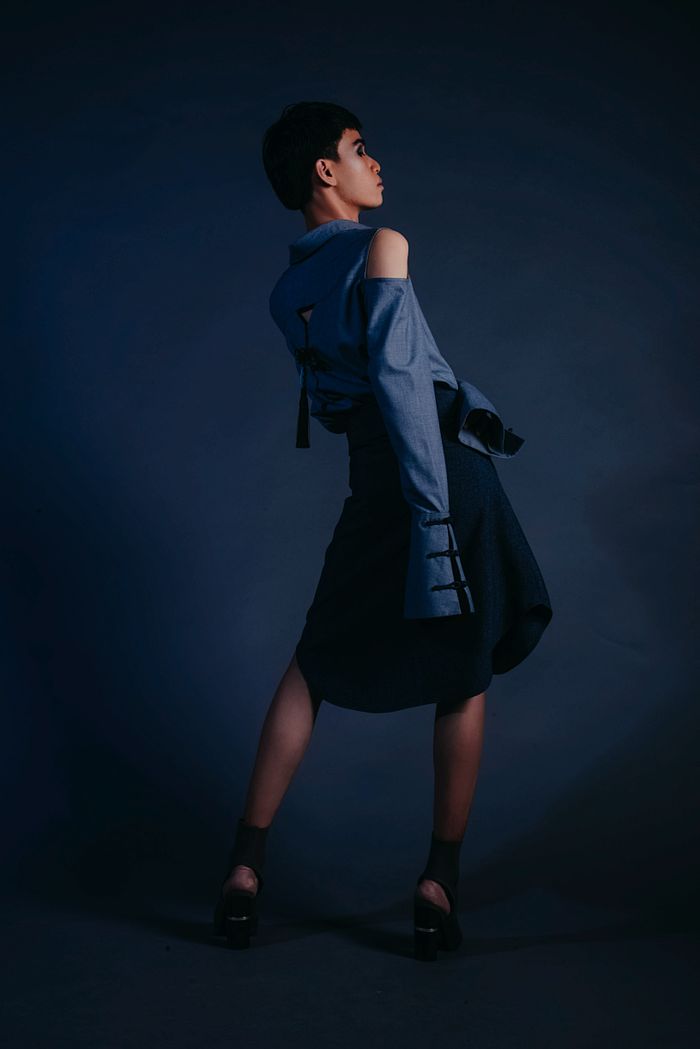
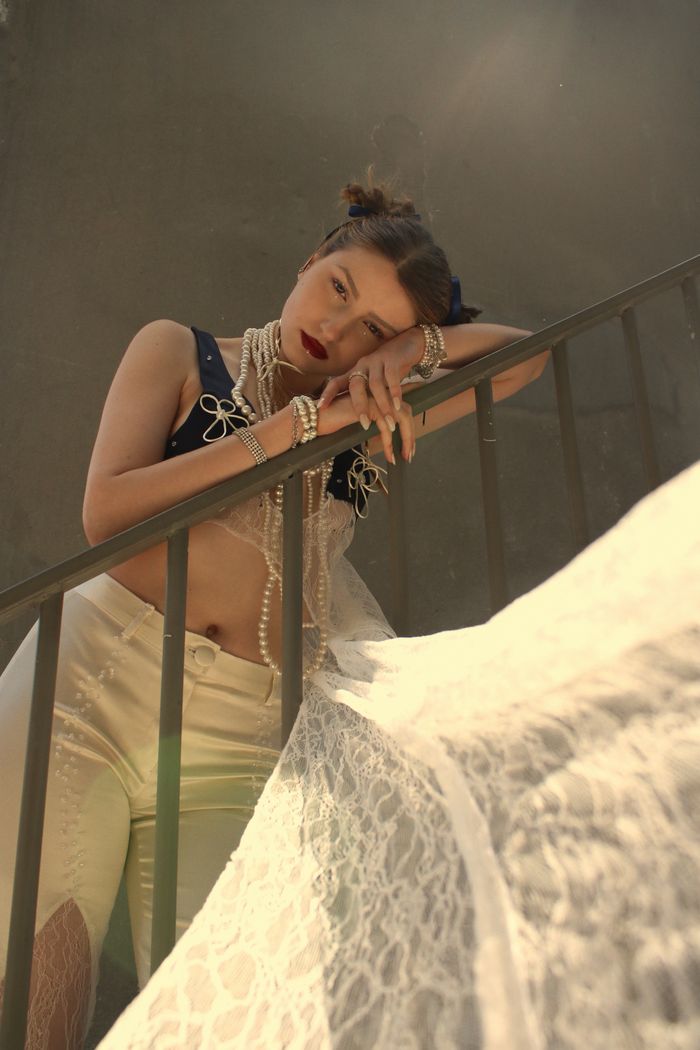
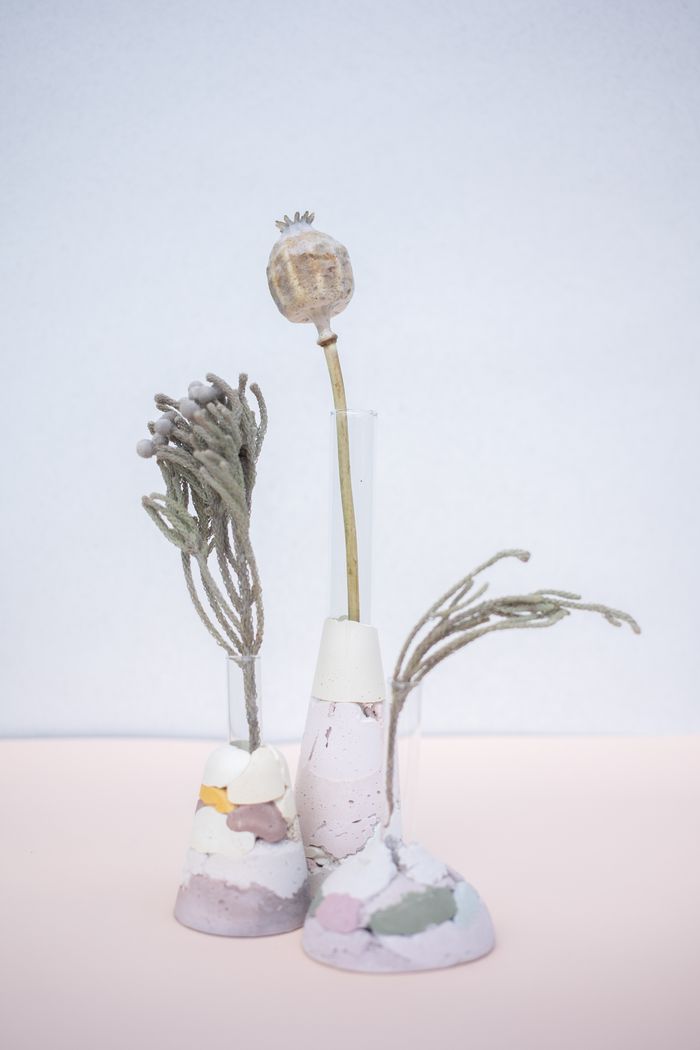
Rich textures, deep blues — shoot against stone.
Everything a board needs, and nothing that gets in the way
- Free-form canvas
- Place images, colours and notes anywhere; drag, resize, layer.
- Images
- Paste or upload; the canvas keeps the original for later.
- Colour swatches
- Add colours as swatches and pull a palette from any image on the board.
- Notes
- Short notes beside the things they refer to.
- Boards and projects
- A board per idea, grouped by project or client.
- Share
- A read-only link for a client or the team.
- 1
Start a board
Name it, pick a project.
- 2
Drop things on
Images, colours, notes. Move them until the idea is clear.
- 3
Share it
Send the link, or present from the board itself.
Questions
- Can I paste images from the web?
- Yes. Paste an image or a URL and it lands on the canvas.
- Is there a grid or a snap?
- Optional. Snap to a grid when you want alignment; turn it off when you do not.
- Can two people edit the same board?
- Shared boards are read-only today; collaborative editing is on the roadmap.
- Can I export a board?
- Export as a PNG or PDF at the size you choose.